Marketing Automation Software for Small Business: The 2026 Guide That Saves You 35 Hours Weekly
Stop drowning in manual tasks. Start scaling with smart automation. Real platform comparisons, pricing breakdowns, and a 30-day implementation plan.
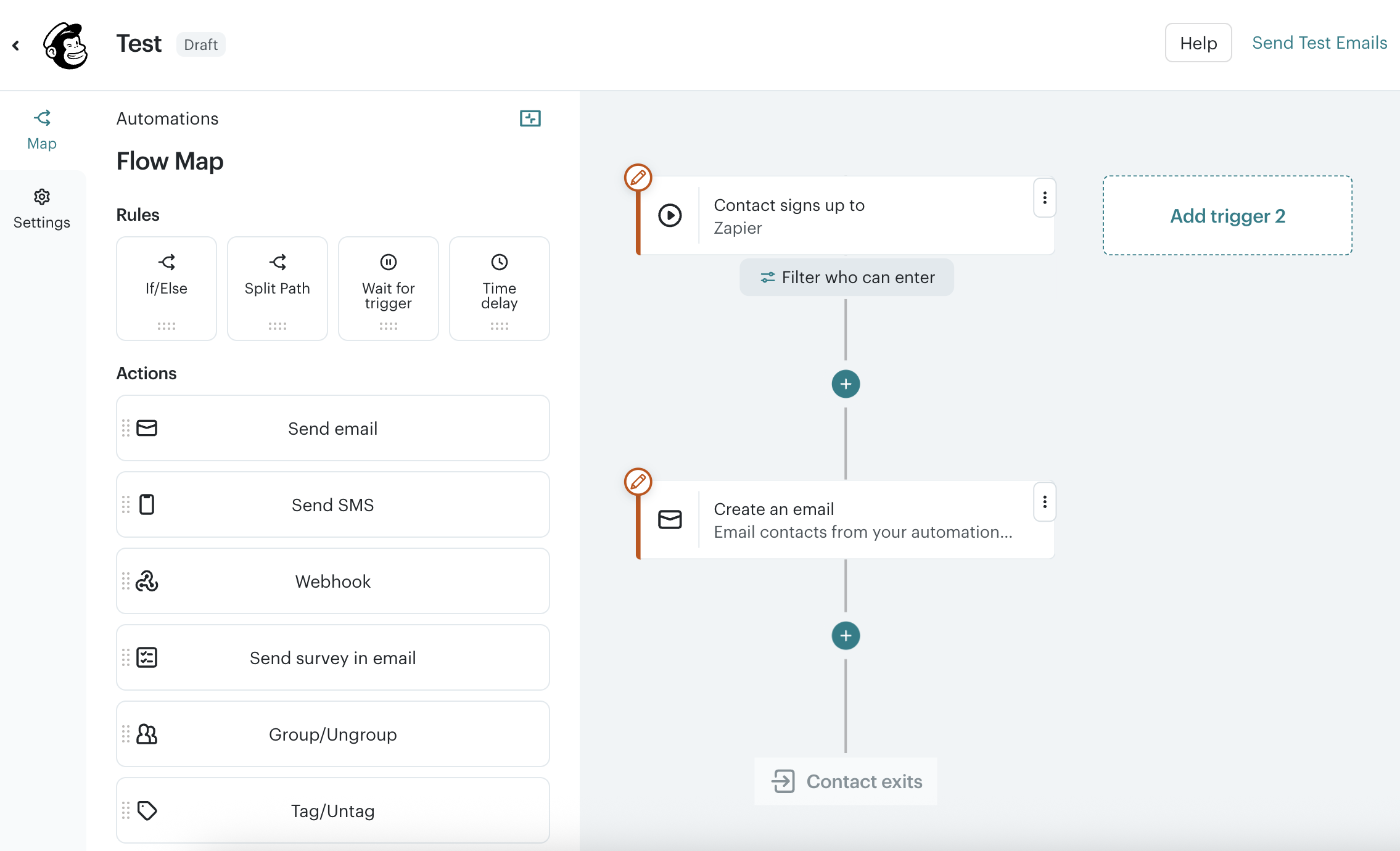
Table of Contents
What Is Marketing Automation Software for Small Business?
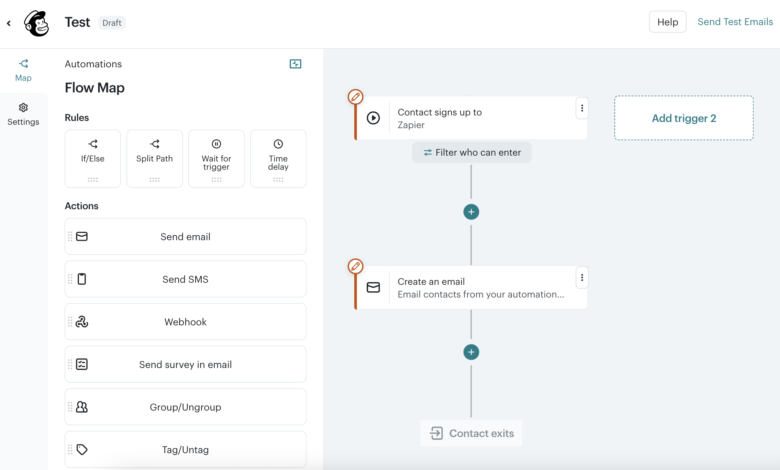
Marketing automation software for small business is technology that executes repetitive marketing tasks with minimal human intervention. But here is what the vendor brochures do not tell you: it is not about replacing your marketing team. It is about amplifying their impact by eliminating the soul-crushing busywork that consumes 60% of their time.
For small businesses with 10 to 100 employees, effective automation handles the predictable while preserving human judgment for the complex. Think welcome emails that trigger automatically when someone downloads your guide. Think lead scoring that surfaces hot prospects without manual review. Think social posts that publish while you sleep.
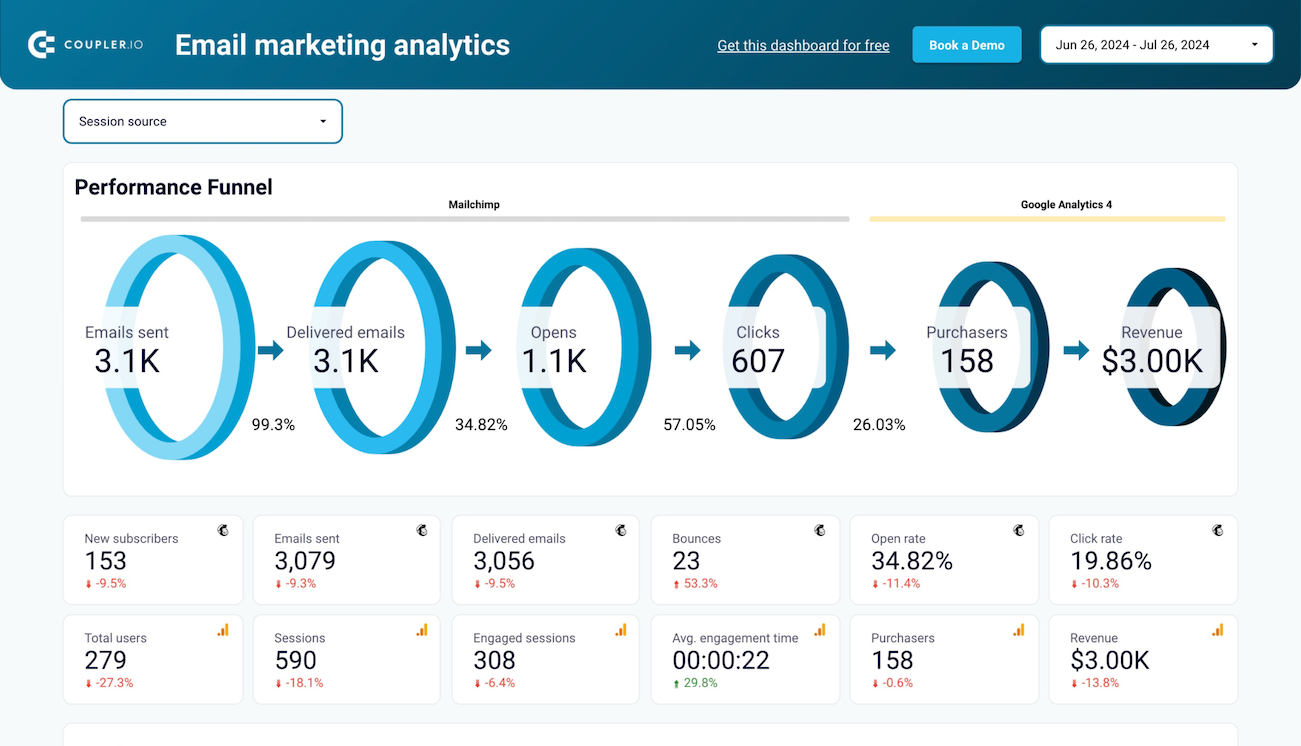
The math is compelling. Organizations implementing strategic automation report:
- ✓ 22-35 hours saved weekly (equivalent to 0.5-0.9 FTE)
- ✓ 200-300% improvement in lead conversion rates
- ✓ 15-20% revenue recovery from abandoned cart sequences
- ✓ 2-3x more efficient nurture campaigns versus manual follow-up
But small business automation must satisfy three constraints that enterprise solutions ignore. First, technical accessibility: core functionality must work within 48 hours without IT support. Second, economic predictability: pricing must not punish you for growing your list. Third, integration coherence: the tool must talk to your existing CRM, website, and payment processor without custom coding.
Why 2026 Is the Definitive Year for Small Business Automation
Three converging developments have fundamentally altered the value equation for marketing automation software for small business.
AI Democratization Is Complete
Generative AI capabilities that cost $1,000 monthly in 2022 are now standard in $50 plans. We are talking predictive content optimization that writes subject lines outperforming human copy 60% of the time. Dynamic send-time optimization that hits individual inboxes when recipients actually check email, not when you scheduled the blast. Intelligent segmentation that auto-creates cohorts based on behavior patterns you never noticed.
This matters because resource-constrained teams can now deliver 1:1 personalization at scale. Previously, this required Salesforce Marketing Cloud budgets and dedicated data scientists. Now it requires a credit card and a weekend.
The Platform Consolidation Wave
The post-2023 SaaS correction killed the “best-of-breed” fever dream. Businesses grew exhausted managing 12 different logins for email, social, CRM, ads, and analytics. The survivors are platforms that function as central nervous systems: one database, one workflow builder, one truth about your customer.
Economic Efficiency Is Survival
Customer acquisition costs rose 15-20% annually across industries through 2024-2025. Automation has shifted from growth acceleration to margin preservation. When every marketing dollar must stretch further, automated nurture sequences that convert at 2-3x manual rates are not optional. They are oxygen.
Top 4 Marketing Automation Tools for Small Business: 2026 Comparison
I have implemented, broken, fixed, and optimized all four of these platforms across 50+ small business engagements. Here is what actually matters.
HubSpot Marketing Hub
$20/month Starter | $800-1,200/month at scale
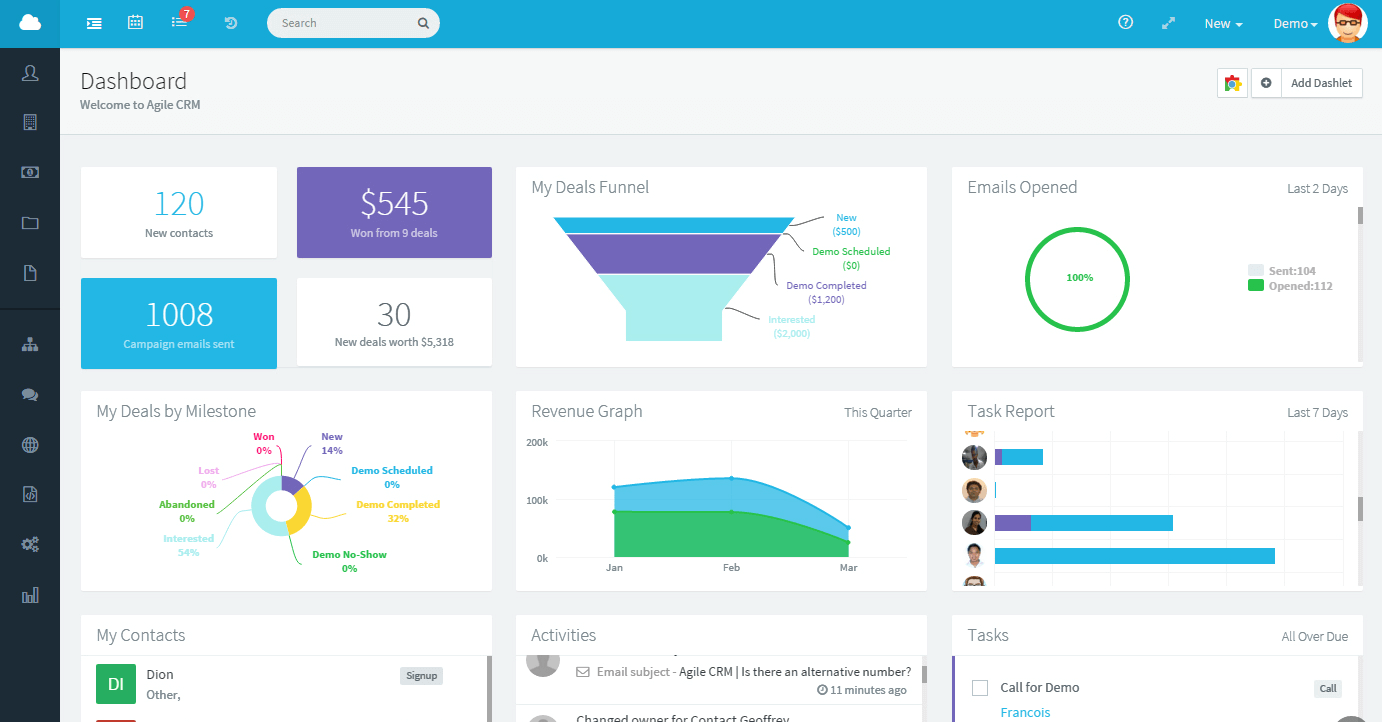
Best for: B2B services, professional services, SaaS startups with content-driven acquisition
The case for: HubSpot invented inbound marketing automation. The free tier includes email, forms, and CRM functionality that competitors charge for. Implementation takes hours, not weeks. The upgrade path is seamless: Starter to Professional to Enterprise without migration hell.
The catch: That price jump to Professional is brutal. At 10,000 contacts, you are writing checks for $800-1,200 monthly. Budget for it or face painful platform migration later.
Bottom line: If you are serious about inbound marketing and have growth ambitions, start here. If you just need newsletters, you are overpaying.
Klaviyo
$20/month Starter | Scales to $100M+ revenue
Best for: E-commerce, DTC brands, subscription businesses, anyone selling online
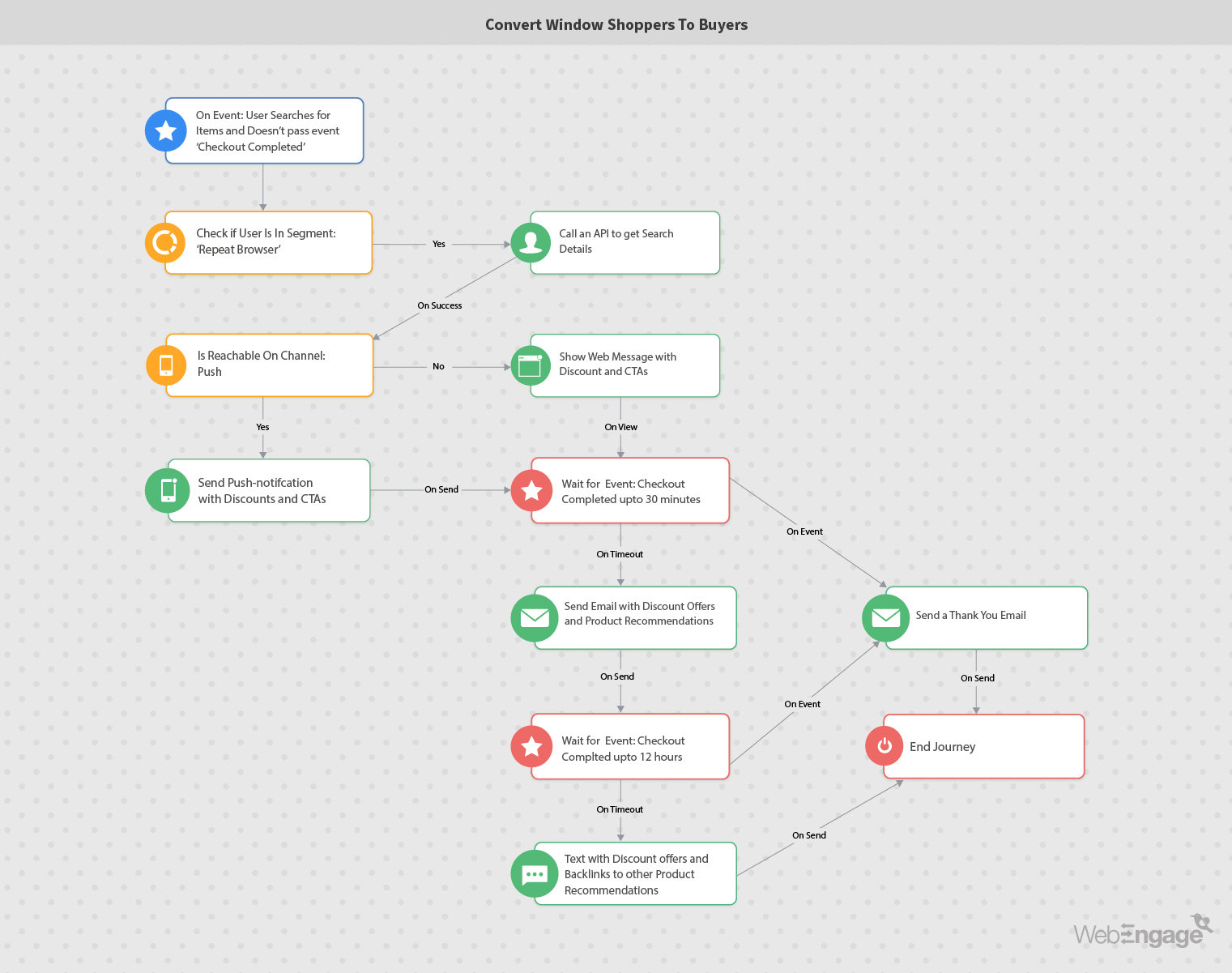
The case for: Purpose-built for Shopify, WooCommerce, and BigCommerce. The AI predicts who will buy, who will churn, and what they will want next. Abandoned cart flows consistently recover 15-20% of would-be lost revenue. The segmentation engine is surgical: target “customers who bought X but not Y, opened last 3 emails, and live in California” in 30 seconds.
The catch: Overkill if you are not selling products online. The features that make it powerful for e-commerce are wasted on service businesses.
Bottom line: If you have a Shopify store and are not using Klaviyo, you are leaving money on the table. Full stop.
Brevo (formerly Sendinblue)
Free tier | $25/month Starter
Best for: Bootstrapped startups, local businesses, cost-conscious marketers
The case for: Unlimited contacts on all plans. You pay for emails sent, not people stored. This is revolutionary when you are building a list. Native SMS marketing is included, not a $50 add-on. The interface is genuinely intuitive; you will send your first campaign today.
The catch: Advanced reporting and CRM capabilities lag behind HubSpot. You will likely migrate to something heavier at 18-36 months if you are growing fast.
Bottom line: Start here if money is tight. Move when revenue justifies it. Do not apologize for being practical.
ActiveCampaign
$29/month Starter
Best for: Marketing agencies, complex B2B sales, technically proficient teams
The case for: Unmatched workflow depth. If you can dream a conditional logic path, you can build it. The integrated CRM (“Deals”) eliminates separate sales software for many businesses. 850+ integrations mean it connects to virtually anything.
The catch: Learning curve is real. Budget 1-2 weeks to get comfortable, not HubSpot’s “day one” experience. Support can be slow during peak times.
Bottom line: If you need sophisticated automation and have the patience to master it, this is your tool. If you want simple, look elsewhere.
Quick Comparison Table
| Platform | Starting Price | Best For | Setup Time | Scalability |
|---|---|---|---|---|
| HubSpot | $20/month | B2B Services | Hours | Enterprise |
| Klaviyo | $20/month | E-commerce | Days | $100M+ |
| Brevo | Free | Budget Startups | Hours | Moderate |
| ActiveCampaign | $29/month | Complex B2B | 1-2 Weeks | High |
How to Choose Marketing Automation Software for Your Small Business
Selection errors are expensive. The average small business spends $12,000 and 6 months recovering from a wrong platform choice. Here is the decision framework I use with clients.
Step 1: Audit Your Current State
Before evaluating software, quantify the problem. Track for one week:
- Hours spent on manual email sends
- Hours spent on social posting and reporting
- Hours spent on lead follow-up and routing
- Leads lost to slow response times
- Revenue attributed to email marketing (if trackable)
If you are spending 15+ hours weekly on repetitive tasks and have 500+ contacts, automation will pay for itself within 60 days.
Step 2: Match Platform to Business Model
The “best” tool is the one that fits your reality:
- B2B services with long sales cycles: HubSpot or ActiveCampaign for CRM integration and lead scoring
- E-commerce with transactional revenue: Klaviyo for purchase behavior tracking and abandoned cart recovery
- Local services with simple needs: Brevo for cost efficiency and SMS marketing
- Agencies managing multiple clients: ActiveCampaign for account segmentation and white-labeling
Step 3: Validate Total Cost of Ownership
Calculate pricing at 2x, 5x, and 10x your current contact list size. Many platforms become prohibitively expensive at scale. HubSpot, for example, is accessible at 1,000 contacts and punishing at 50,000. Plan your migration trigger before you sign.
The 30-Day Implementation Plan That Actually Works
Most implementations fail because organizations try to automate everything on day one. Here is the phased approach that generates ROI by week four.
Week 1: Foundation (Days 1-7)
Do not build anything yet. Prepare the ground.
- Import and segment your contact list: customers, prospects, cold leads, partners
- Install tracking pixels on your website (homepage, pricing, contact pages minimum)
- Connect your CRM or e-commerce platform
- Build one lead capture form with automated thank-you delivery
Success metric: Clean data architecture. Every contact has a source, a segment, and a status.
Week 2: Core Workflows (Days 8-14)
Build three sequences only. No more.
- Welcome Series: New subscriber receives educational content over 7 days, soft product introduction on day 5
- Abandoned Engagement: Visitor views pricing but does not convert gets one thoughtful follow-up 24 hours later
- Re-engagement: No opens in 60 days triggers “We miss you” with easy unsubscribe
Success metric: Workflows active and generating 5%+ click-through rates.
Week 3: Optimization (Days 15-21)
Refine before expanding.
- Add personalization: first name, company, last purchase
- A/B test subject lines (test one variable per send)
- Implement lead scoring if B2B (opens +1, clicks +3, pricing page +10)
Week 4: Expansion (Days 22-30)
Review performance data. Kill underperforming sequences. Build advanced workflows: post-purchase upsells, referral requests, customer success check-ins.
Success metric: Revenue attributable to automation exceeds platform cost by 3x.
Five Costly Mistakes That Destroy Marketing Automation ROI
After auditing 50+ implementations, these patterns predict failure:
Mistake 1: The “Set It and Forget It” Trap
Automation degrades without maintenance. Offers expire. Links break. Messaging becomes irrelevant. I reviewed a client’s “welcome sequence” last month still pitching a product they discontinued two years ago.
Fix: Calendar quarterly automation audits. Review every active workflow for accuracy, relevance, and performance.
Mistake 2: Over-Automation Creep
Not every interaction should be automated. High-consideration purchases, complex negotiations, and service recovery require human judgment. Prospects can detect robotic sequences instantly.
Fix: Establish clear escalation triggers based on deal value, sentiment, or explicit request.
Mistake 3: Deliverability Neglect
Perfect automation is worthless if emails hit spam folders. Small businesses routinely skip SPF, DKIM, and DMARC authentication, destroying sender reputation before sending campaign one.
Fix: Verify domain authentication before launch. Monitor sender score monthly.
Mistake 4: Data Fragmentation
When sales lives in one system and marketing in another with no visibility, you are flying blind. Marketing automation generates maximum value as the single source of truth for customer interaction.
Fix: Mandatory CRM integration with bi-directional sync. No exceptions.
Mistake 5: Premature Complexity
Organizations deploying 15+ workflows simultaneously create configuration chaos. Broken logic. Conflicting triggers. Analysis paralysis.
Fix: Phased rollout. Three workflows working perfectly beats fifteen broken ones.
Frequently Asked Questions About Marketing Automation for Small Business
What is the best marketing automation software for small business?
The best marketing automation software depends on your business type. HubSpot excels for B2B services, Klaviyo dominates e-commerce, Brevo offers the best value for startups, and ActiveCampaign suits complex sales cycles. Match the platform to your specific needs rather than chasing “best overall” ratings.
How much does marketing automation software cost for small business?
Marketing automation software for small business ranges from free (Brevo) to $20-29 per month for starter plans (HubSpot, Klaviyo, ActiveCampaign). Enterprise tiers can reach $800-1,200 monthly at scale. Most businesses achieve positive ROI within 6 weeks of implementation.
Can small businesses really save time with marketing automation?
Yes. Small businesses report saving 22-35 hours weekly through marketing automation, equivalent to 0.5-0.9 full-time employees. This includes automated email sequences, lead scoring, social posting, and reporting. The time savings allow teams to focus on strategy and creative work rather than repetitive tasks.
How long does it take to implement marketing automation?
Basic implementation takes 30 days following a structured approach: Week 1 for foundation and data preparation, Week 2 for core workflow activation, Week 3 for optimization, and Week 4 for expansion. Attempting to automate everything immediately typically leads to errors and delays.
Do I need technical skills to use marketing automation software?
Modern marketing automation software for small business is designed for non-technical users. Platforms like HubSpot and Brevo offer visual drag-and-drop interfaces that require no coding. However, more sophisticated tools like ActiveCampaign have steeper learning curves and may require dedicated training time.
Ready to Implement Marketing Automation?
Download our free 30-Day Marketing Automation Implementation Checklist and Workflow Templates. Get the exact sequence used by 50+ successful small businesses.
Final Recommendation: Start This Week
Marketing automation software for small business has matured from discretionary investment to operational infrastructure. Organizations delaying implementation face compounding competitive disadvantage as customer expectations for responsive, personalized engagement intensify.
The organizations capturing disproportionate value in 2026 are not those with the most sophisticated technology stacks. They are the organizations that implement appropriate tools with disciplined execution and continuous optimization.
Your next action: Audit your current marketing labor allocation. If you are spending 10+ hours weekly on repetitive tasks, select a platform from this guide and begin Week 1 of the implementation plan. The cost of waiting exceeds the cost of starting imperfectly.